
01Changed process
An existing Access application works, but the business process has changed.
Microsoft Access Development
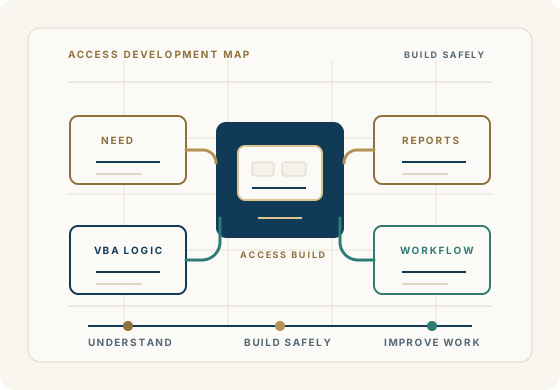
Access development should begin with the way your team actually works: the screens they use, the reports they trust, the rules in the data, and the changes the business now needs.
Begin a DiscussionWhen development is the right move
The goal is not to add features for their own sake. The goal is to improve the application around real business use.
An existing Access application works, but the business process has changed.
Users need better forms, reports, workflows, or data entry screens.
A spreadsheet process has outgrown Excel and needs a practical Access application.
VBA code needs to be improved, extended, documented, or made easier to maintain.
The application needs new features without breaking the work people already depend on.
The business needs a developer who understands both Access and the operational workflow behind it.
What development can include
Designing and building new Microsoft Access applications for specific business workflows.
Enhancing existing forms, reports, queries, tables, macros, and VBA code.
Creating practical reporting, data-entry, tracking, and operational tools.
Improving inherited applications so they are easier to use, maintain, and extend.
Connecting Access with Excel, SQL Server, or other approved data sources where appropriate.
Planning changes carefully so daily work is protected during development.
Development with continuity
Before new code is added
Access applications often grow because people use them every day. Forms, reports, VBA, queries, and Excel handoffs may all carry important operational decisions.
Development work should respect that history while making the application cleaner, more dependable, and more useful for the next stage of the business.
Common Microsoft Access development problems
Common Microsoft Access problems often point to a more specific next step. These pages help connect the symptom to support, development, modernization, or a careful data-platform decision.
Use broad triage when forms, reports, queries, VBA, users, or linked data are failing.
Developer unavailableUnderstand inherited code, forms, reports, and business rules before making changes.
Access troubleshootingFind the failing object, code path, linked table, reference, or workflow dependency.
Modernization guideDecide whether to improve, migrate, or replace selected workflows.
Begin a discussion
Share what exists today, what your team needs changed, and what cannot be disrupted. We will help you determine a practical development path.
Begin a Discussion